Bedford Park Garage Door ExpertsBulletin 2 of 3Toronto, Ontario
Smart Garage Controller Setup: what the visit covers
The account is the part of the install that lives longest, so it is set up in your hands rather than the technician's.
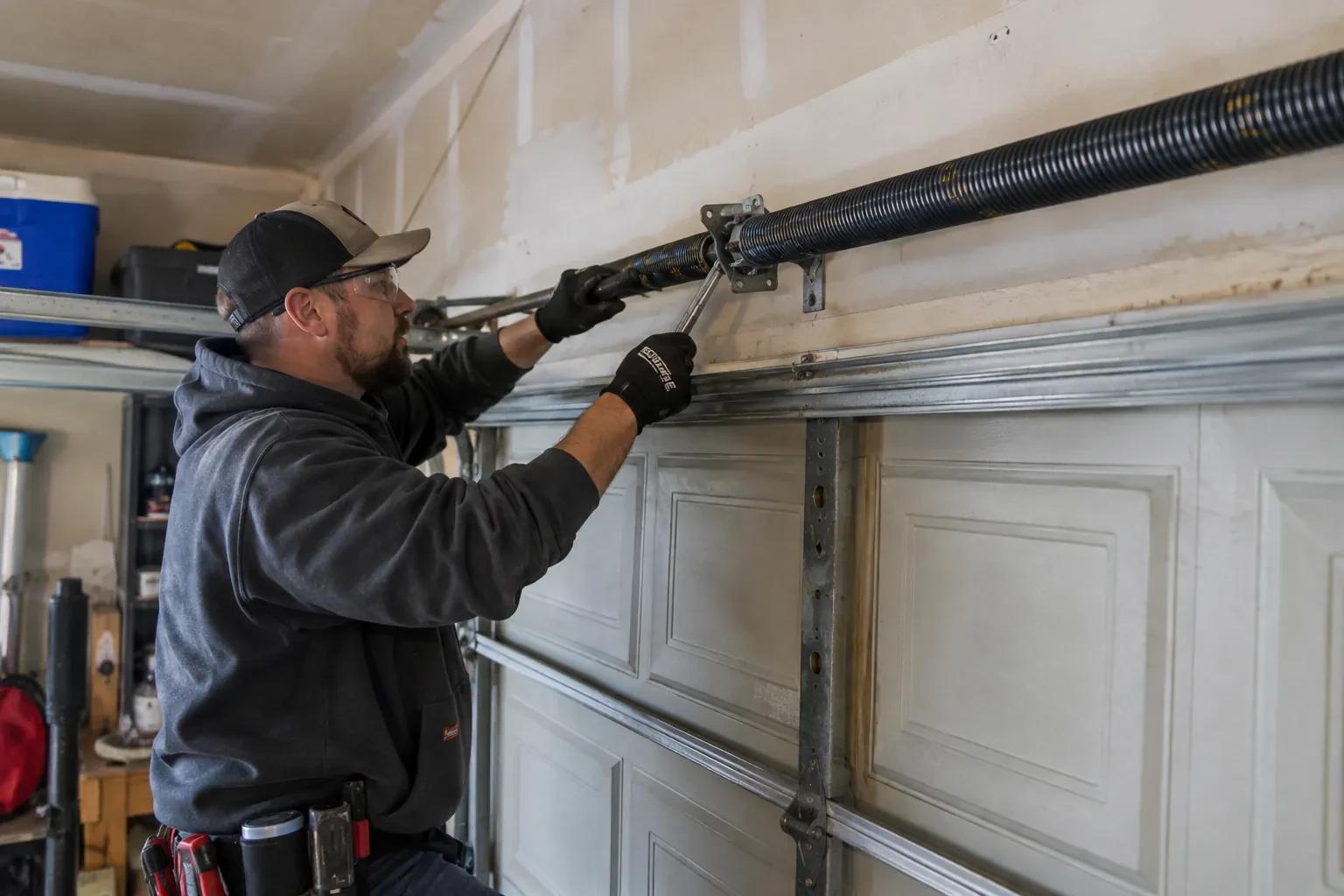
The account is the part of the install that lives longest, so it is set up in your hands rather than the technician's. You choose the email and password, you pick the recovery method, and you type them yourself while the technician guides you through the screens. Once the hub is on your network you name the door, decide which alerts you want, and invite the people in your household as users under your control. If the house came with a controller tied to a seller's account, it is reset and claimed fresh. The technician leaves with no login to your system, and you leave holding every key.
Signal strength at the ceiling
The hub will live beside the motor, so that is where wireless coverage is measured, not at the kitchen counter. The technician checks signal on the 2.4 GHz band, which most controllers use for its range, and notes how many walls, a floor and possibly an insulated steel door stand between the router and the garage. A detached garage across a driveway, a router tucked in a basement corner, or metal cladding on the garage wall all show up in this reading. Where the signal is marginal the plan includes a small access point or extender placed partway, because a hub that drops offline each week is not a working installation.
Joining the home network properly
The hub is joined to the network on the 2.4 GHz band and to the exact network name the household uses every day, not a guest network that might later be switched off. The technician checks that the router's security is a modern type the hub supports and that the signal at the hub's final position is comfortably above the minimum. Where an extender or access point was planned, it goes in first so the hub joins a strong signal from the start. After the join, the hub's firmware update is allowed to finish, and the device is power-cycled once to prove it reconnects on its own without anyone touching it.
Alerts that earn their place
You leave with a small set of notifications chosen on purpose rather than every option switched on. A left-open reminder after a set delay, a note when the door opens during hours nobody should be using it, and a message when a scheduled close has completed are the ones most households keep. If the alerts become noise, adjust the delays or turn one off rather than muting the app entirely, because a silenced app is the one that stays quiet on the night the door is up. The settings screen you were shown is where each of these lives, and changes take effect at once.